Automate the Transaction, Not Just the Equipment
A ticketing kiosk is most useful when it supports the whole vehicle-management workflow: how trucks enter, how the system identifies the transaction, how tickets are printed or captured, and how operators handle exceptions without stopping the lane.

Quick Answer
- Use automated ticketing kiosks where truck traffic is repetitive enough that manual check-in, ticketing, or scale-house interaction slows the site down.
- Prioritize outdoor-ready enclosure design when the kiosk sits in an exposed lane or material-handling environment.
- Connect vehicle recognition, ticket printing, traffic signals, displays, and scale data around a single repeatable workflow.
- Plan exception handling before launch so drivers and operators know what happens when a transaction needs manual review.
Where Automated Kiosks Fit
Automated ticketing kiosks are a good fit for facilities that need a more repeatable way to manage inbound and outbound vehicle activity. The goal is not only to print a ticket. The kiosk should help reduce handoffs, standardize driver interaction, and keep the lane moving while still producing a usable transaction record.
Common fit signals include recurring truck traffic, scale-house bottlenecks, driver check-in delays, outdoor lanes, unattended periods, and operations where tickets, vehicle IDs, or load records need to be captured consistently.
Kiosk Workflow Fit
| Workflow need | Kiosk role | Why it matters |
|---|---|---|
| Vehicle identification | Supports recognition or driver interaction at the lane. | Reduces uncertainty about which vehicle or transaction is being processed. |
| Ticket output | Prints or supports ticket capture close to the transaction. | Keeps drivers moving and reduces scale-house interruptions. |
| Outdoor operation | Uses an enclosure and hardware setup suited to the lane environment. | Protects the kiosk from weather, dust, and routine site exposure. |
| Traffic control | Works with signals, displays, and site instructions. | Helps drivers know when to stop, proceed, or wait for review. |
| Exception handling | Routes unusual transactions back to a defined review process. | Prevents automation from creating confusion when the normal workflow does not apply. |
Design the Kiosk for the Outdoor Lane
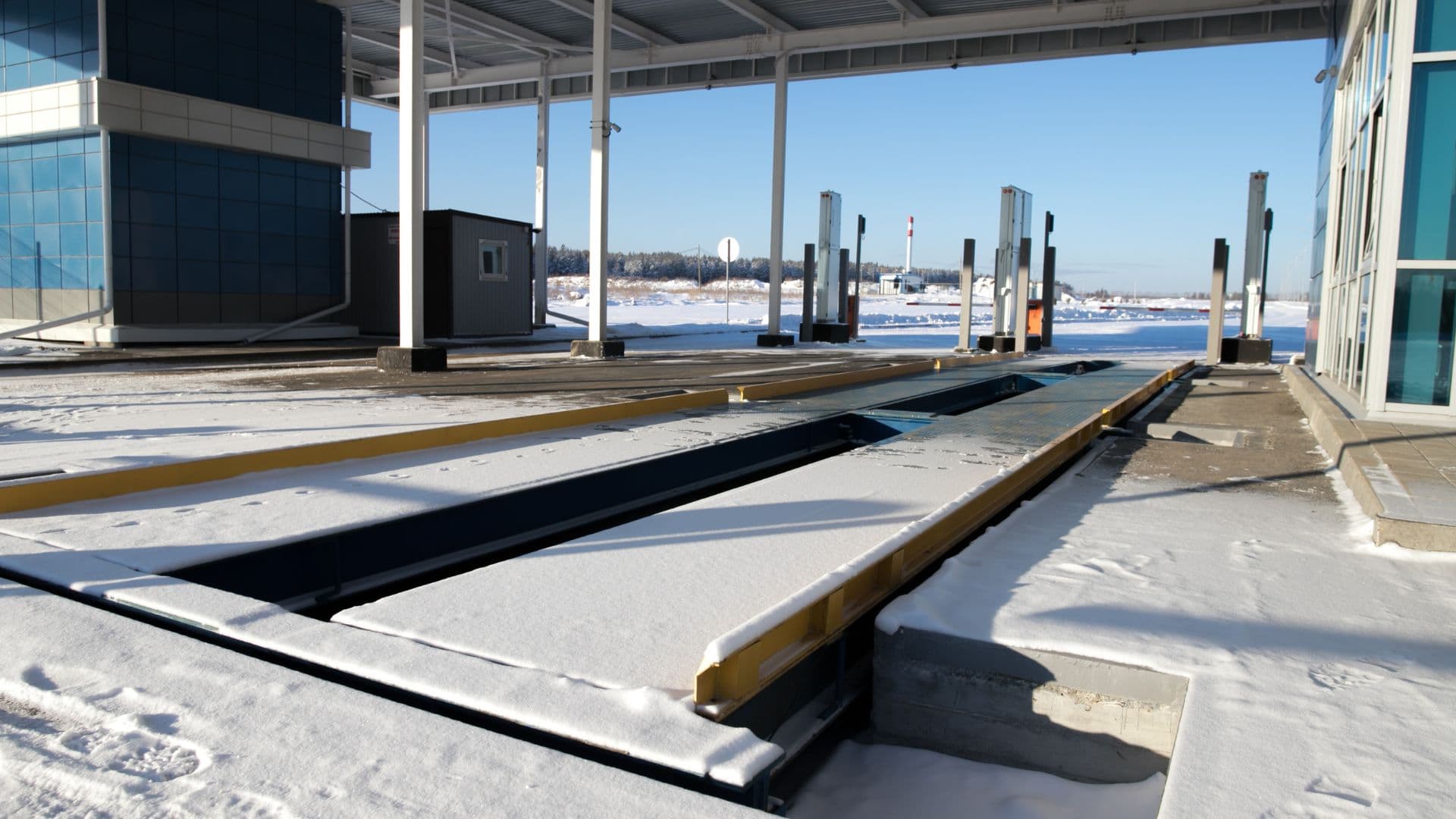
The source article correctly emphasizes weatherproof construction. That matters because many kiosk stations sit near truck scales, drive lanes, aggregate yards, waste sites, or other areas where exposure is normal. The enclosure, screen, printer access, mounting height, and driver approach all need to make sense for the actual site.
Review weather exposure, dust, splash, snow removal, lighting, driver reach, vehicle height, and service access before treating the kiosk as a simple hardware add-on.

Keep Ticketing Close to the Lane
Integrated ticket printing can reduce operator interruptions when the process is predictable. The value is strongest when the printed record, vehicle ID, load data, and driver action are all part of one clear sequence.
Ticketing decisions should include printer protection, roll capacity, paper handling, access doors, maintenance frequency, and what the driver should do if a ticket fails to print correctly.

Use Add-ons to Clarify Driver Behavior
Configurable add-ons are useful when they make the driver workflow clearer. Traffic lights, remote displays, signage, intercoms, and related controls should not be treated as decoration. They should answer practical driver questions: stop here, proceed, wait, print, scan, or call for assistance.
The best setup depends on lane geometry, scale location, staffing, whether trucks move one way or two ways, and how exceptions are handled.

Selection Checklist
- Lane workflow: Define the exact steps a driver follows from approach to exit.
- Vehicle identification: Decide how vehicles, drivers, or transactions will be recognized.
- Ticketing requirement: Confirm whether tickets need to print, store digitally, or both.
- Outdoor exposure: Match enclosure and hardware choices to weather, dust, moisture, and traffic.
- Driver instructions: Plan signals, displays, signs, and prompts so drivers know what to do.
- Exception handling: Document what happens when a driver, vehicle, load, or ticket does not match the expected flow.
Bottom Line
An automated kiosk can make a truck-scale site faster and more consistent, but only when it is tied to the lane workflow. Start with the transaction sequence, then choose the enclosure, recognition method, ticketing setup, and add-ons that make that sequence easier for drivers and operators to repeat.